

AI can't be accountable
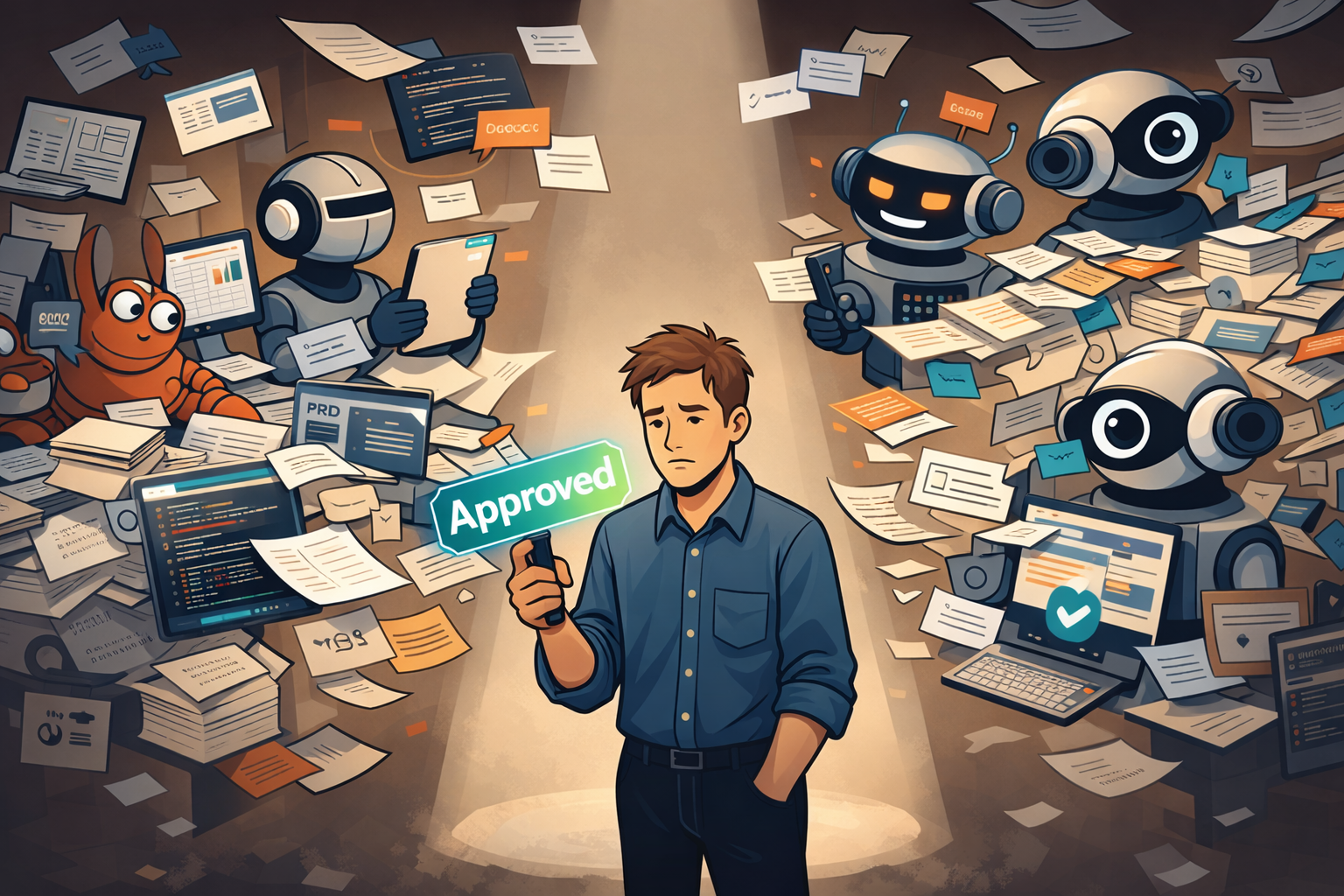
AI can write the docs, tickets, and code, but when gates get weaker something goes wrong, someone still has to own it.

SpecKit is an open-source toolkit by GitHub that promotes and supports Specification-Driven Development. It’s not the only tool in this space, but given its popularity and the quality of the instructional content around it - I decided to try it out and use it to build a few features on some side projects I have kicking about.
We’ve had TDD, BDD, and DDD, so it was only a matter of time before SDD showed up.
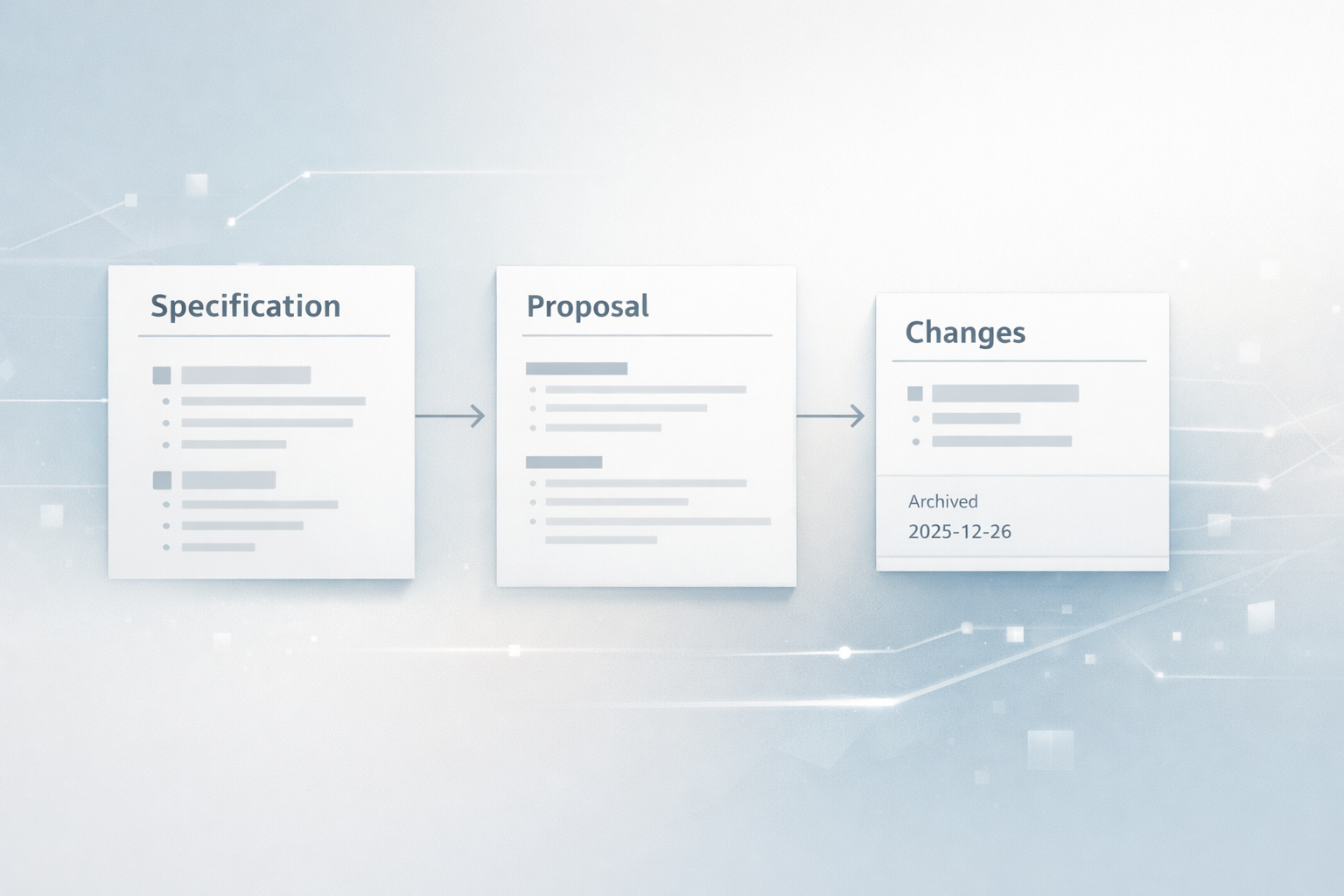
As the name suggests, Spec-Driven Development puts specifications at the centre of building software. Rather than being a one-off document that you write and forget about, the specification becomes the focal point for planning and implementation. It’s gained attention recently alongside the rise of AI-assisted coding and personally, I believe it could be become a standard, at least in the interim, on how AI is utilised in projects - especially in bigger companies. Not only does it provide a framework to control what AI generates, it serves as version controlled documentation on how features came to be - acceptance criteria, considerations, edge cases, testing requirements - it’s all captured in the artifacts produces by SpecKit.
Today, people use AI to write code in a few different ways:
All of these approaches can work well depending on the task. However, they tend to suffer from the same underlying problem:
They rely heavily on short-lived context and well-formed prompts.
As you move from task to task, context is lost. Intent drifts. Standards and constraints get ignored - even when you explicitly mention them earlier. You also become lazier with your prompting if AI makes mistakes, or as a feature drags on and with AI, “garbage in, garbage out” is very accurate.
This is where specifications step in. A specification acts as a stable source of truth that drives planning and execution. In a world where AI is very good at executing instructions, specifications help keep that execution aligned with your original intent.
SpecKit provides a toolkit and workflow that helps make SDD practical - especially when working with AI coding agents. It gives structure to something many of us were already doing: writing down intent, refining it, breaking it into steps, and then implementing those steps using AI.
The key thing SpecKit adds is a communication flow between you and the underlying agent. Rather than jumping straight from a half-baked prompt to generated code, SpecKit encourages you to move through a few distinct stages:
Each step builds on the previous one. Each step produces or updates artefacts. And at each step, things can be reviewed and adjusted before moving on.
With that context in mind, it’s worth looking at what SpecKit actually ships with.
SpecKit ships with a small set of predefined prompts that guide how you interact with an AI during each stage of the workflow. Essentially, they’re plain-text prompt templates that the AI uses as context to understand what kind of work it should be doing.
A useful way to think about them is as separate roles. The underlying model doesn’t change, but each prompt puts it into a different mode: clarifying intent, planning, breaking work down, implementing, or reviewing.
These prompts typically live directly inside your project, as plain text or markdown files. Different tools surface them in different places (for example, under something like .codex/prompts), but the idea is the same: the prompts are versioned alongside your code and form part of the project’s context.
At a high level, the prompts cover:
Individually, these prompts are simple. Their value comes from making the AI’s role explicit at each step.
SpecKit also ships with a small set of templates for the artefacts it produces along the way: specifications, plans, and task lists.
Even without customising them, the templates encourage you to think about things like scope, constraints, assumptions, and open questions - simply because there’s a placeholder asking for it. That alone nudges the process in the right direction.
I haven’t felt the need to change these templates so far. They’ve been generic enough to work across different features, while still being structured enough to guide the conversation with the AI. I can imagine teams adapting them over time, but out of the box, they have worked perfectly fine.
My favourite feature has to be the Constitution. The Constitution is an explicit set of principles that define how work should be done in a project. It doesn’t describe what you’re building, but it guides how things are built. It documents things like:
It acts as a persistent set of rules that every specification, plan, and task should respect.
I can’t stress how useful this is when working with AI. Rather than repeatedly reminding the model about everything it should or shouldn’t do, the Constitution provides a shared baseline that the AI can consistently refer back to. It can be committed into version control so everyone working on features has the same baseline.
SpecKit has been most useful for me when I’m working on packageable, non-trivial features - the kind that would span multiple steps, touch lots of files and have some complexity.
In particular, I’ve found it valuable when:
In these situations, having a clear specification, a reviewed plan, and a set of explicit tasks made the overall process feel calmer and more predictable. Instead of constantly steering the AI, I could focus on aligning intent early and then let execution follow.
That said, SpecKit is not something I’d reach for by default, for every single thing.
I wouldn’t use it for:
In those cases, the overhead of writing and refining a specification simply isn’t worth it. Sometimes the fastest path really is to just write the code - with or without AI.
SpecKit can particularly shine when alignment matters. When it doesn’t, it’s perfectly reasonable to skip it. In theory, you can check all of these artefacts into source control and have your team review them at any stage before proceeding - like some teams already do with an API contract, and that’s pretty cool!
As I mentioned earlier, “garbage in, garbage out” is a common phrase in the AI space - and for good reason. To get the best results out of AI, you need to feed it with quality context & prompts. With SpecKit, that’s no different; in fact, it’s even more important. You will be investing a lot of time up front to think and write about what you want to implement. It’s not the quick feedback loop of saying “build me a page that lists users.”
One thing that surprised me was how much it felt like a return to a waterfall-style flow. Even though you can iterate and loop back, the default shape of spec → plan → tasks → implementation can feel quite linear. That’s not always a bad thing, but it does contrast with the more fluid, “agile” style many of us are used to.
One subtle downside is that specifications can give a false sense of security. A clear spec can feel reassuring, but they don’t eliminate unknowns or mistakes - many issues still only surface once you’re deep into implementation.
If the code evolves and the specification isn’t kept in sync, the spec can quickly become outdated. This is a classic problem with any documentation. When that happens, it stops being a source of truth and starts becoming misleading.
This isn’t a problem unique to SpecKit, but the more central the specification becomes, the more important it is to treat it as a living artefact rather than a one-time thang.
Another very practical downside was usage limits. Because the workflow encourages multiple structured interactions with the model - clarifying, planning, tasking, implementing - I found myself burning through usage quota much faster than with more ad-hoc prompting. This was particularly noticeable using Claude Code where it could take me 48 hours to implement a small feature, mostly because I was constantly waiting for my rolling window to come around and reset my usage.
Maybe it’s just me, but I found it surprisingly hard to juggle the different roles SpecKit pulls you into. You’re the spec writer, the artefact reviewer, the planner, the approver, and the code reviewer - often switching between them rapidly.
What made this noticeable is that the workflow makes those role changes explicit. You’re encouraged to stop, review, approve, and then move on to the next phase. That’s great for alignment, but it’s harder to get into a long, uninterrupted, coding session!
Without SpecKit, I can stay in one mental mode for longer - writing code, nudging the AI inline, and adjusting as I go.
As with all things AI, there were lots of moments where it simply sucked the fun out of development. When AI is doing most of the implementation, your role is reduced to someone who is just approving plans, reviewing tasks, and nudging output back into shape. That can be effective, but it’s not always the most enjoyable way to build software. You miss that sense of accomplishment because really, you’re not doing much anymore!
None of these are deal-breakers, but trade-offs - and ones that are worth being aware of before fully committing to this style of workflow.
SpecKit didn’t fundamentally change what I built, but how I built it.
By placing more emphasis on making decisions earlier on, it helps create a predictable flow when working with AI. It’s definitely not faster in every case, but it’s more controlled and I found the output to generally be better.
I can see approaches like this becoming increasingly common in larger organisations. As AI-assisted development becomes more widespread, the need for shared context, traceability, and guardrails only grows. Having specifications, plans, and decisions captured as version-controlled artefacts feels like a natural evolution.
That doesn’t mean SpecKit - or SDD in general - should be used everywhere. It comes with trade-offs, and in some cases it will feel way too heavy. But for non-trivial work, especially where AI is doing a significant amount of the implementation, this kind of structure feels much more necessary. We can side step the problem of losing context in “developer X’s” conversation with ChatGPT.
At the very least, SpecKit has opened my eyes to yet another way on how I can collaborate with AI - and that alone has been worth the experiment.
AI can write the docs, tickets, and code, but when gates get weaker something goes wrong, someone still has to own it.
An honest reflection on AI - its omnipresence, the pressure it brings, and how it's changing the environment I build and work in.
My opinions after building some features with OpenSpec, focusing on workflow and how it changes the way you work with AI.